
Table of Contents
TL;DR
- dashone pro has published claims for driving and parked recording, loop recording, phone access, and a built-in screen.
- Seller descriptions list Full HD recording, wide-angle lenses, and night-vision sensors, but independent field testing remains limited.
- The publisher campaign reviewed on October 9, 2026 listed one camera at $39.99, but shipping and bundle contents still require a checkout check.
- Confirm the exact unit, included accessories, power setup, return terms, and local recording rules before ordering.
A dash camera earns its place when a crash, road-rage encounter, or parking-lot impact leaves competing accounts. The practical question is whether dashone pro can preserve usable road-incident footage when that moment arrives.
The available record supports some feature claims, but it does not verify real-world image quality across weather, glare, motion, or nighttime driving. It also contains conflicts about app use, parked recording, and return timing. That matters because a product page can describe a feature without showing how the exact unit performs in your vehicle.
 Current value candidate
See what the current DashOne Pro offer includes
The seller describes front and rear recording, Wi-Fi phone access, loop recording, and parking detection. The campaign checked on October 9, 2026 listed one unit at $39.99. Verify the live bundle before relying on any feature.
Current value candidate
See what the current DashOne Pro offer includes
The seller describes front and rear recording, Wi-Fi phone access, loop recording, and parking detection. The campaign checked on October 9, 2026 listed one unit at $39.99. Verify the live bundle before relying on any feature.
What dashone pro says it records and how you can view it
Seller materials say the device records while you drive and while the vehicle sits parked. They also describe Wi-Fi access through a mobile app, letting you review, download, and share footage from your phone without removing the memory card.
A separate published review describes a different path. It reports a built-in LCD screen and says that version needed no app, account, or pairing. The sources do not establish whether those descriptions cover the same configuration, so you should confirm the access method before purchase.
Driving and parked recording claims
The seller says dashone pro records during driving and can activate after motion or an impact while parked. That claim does not identify the power arrangement, test period, or battery cutoff used for parking surveillance camera operation.
A third-party review says parking recording works while the vehicle supplies power. This leaves a key question unanswered: whether the camera continues to capture events after the vehicle cuts power to its outlet.
Wi-Fi, app, and LCD access claims
Wi-Fi and app access may help when you need to send a clip quickly after a collision. The seller materials do not name the app, list supported phone systems, or explain its connection process.
The reported built-in screen gives you another possible way to configure the camera and review clips. Verify the exact model at checkout, because the published accounts do not match on whether phone pairing is required.
What loop recording may overwrite
The available descriptions say the driving recorder uses loop recording. When storage fills, it overwrites the oldest files, while a promotional report says G-sensor-locked impact clips receive different treatment.
That system can preserve recent footage, but it can also erase a clip you planned to keep. Transfer or manually save any recording you may need before routine recording cycles over it.
DashOne Pro camera specifications: what is published and what is not
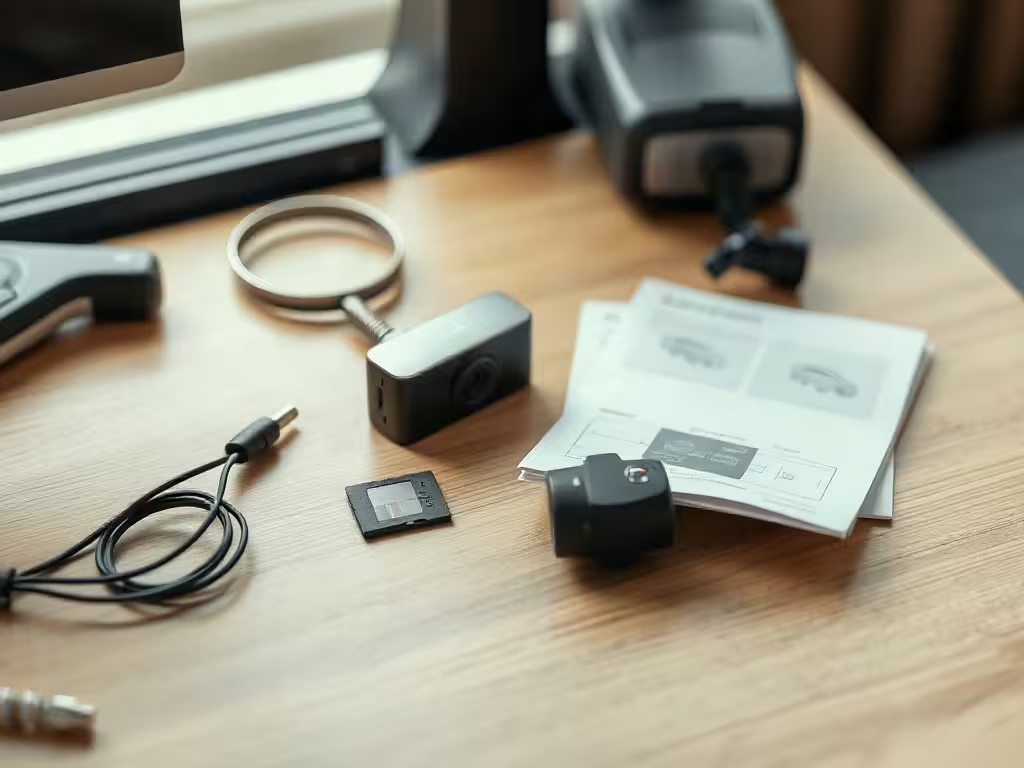
The seller lists Full HD 1080P recording, a 170-degree front camera, a 140-degree rear camera, and night-vision sensors. Those are seller-published specifications, not independent measurements. A company-written Trustpilot profile states 1080P Full HD recording at 30fps with a 170-degree viewing angle, while HearthBench reports that the official product page published no resolution or frame rate as of September 2026. Neither reported excerpt states whether the unit records audio.
The lens claims suggest broad forward and rear coverage. They do not establish whether a license plate stays readable when vehicles move in opposite directions, headlights flare across the lens, rain hits the windshield, or the vehicle enters a dark street.
Published materials also leave major details unresolved. The record does not establish frame rate, image-sensor model, GPS availability, supported memory-card capacity, card format, card-speed requirement, or operating-temperature range. A dash camera can record a wide scene and still fail to preserve the detail needed to identify a vehicle.
Before you rely on this vehicle camera for documentation, ask the seller for the current manual and specification sheet. Look for the exact card requirements, whether the rear camera comes with the unit, and how the device protects clips after an impact.
DashOne Pro price, extra costs, and return terms
The publisher campaign reviewed on October 9, 2026 listed one DashOne Pro camera at $39.99 for U.S. buyers. That campaign price can change, and it does not establish the final shipping charge, tax, or package contents shown to every buyer.
Published material says shipping may be calculated at checkout. HearthBench also reported, from its September 2026 checks, that no storage card came in the box, that a Philips 32GB TF card was offered after checkout on the vendor’s own checkout domain, and that an optional extended-warranty add-on of $9.99 per unit appeared unchecked. The same review found no subscription in its click-through, and reported that the checkout is run by UAB Rara Digital and displays a support address. The same review said a separate microSD card was needed, while the available record does not establish whether the card, rear camera, hardwiring hardware, or any subscription comes with every offer.
The return terms also need a close read. One seller page describes a money-back period beginning at purchase, while other published material describes a delivery-based period, support authorization, unused original condition, original packaging, and buyer-paid return shipping. A promotional report also describes a two-year limited warranty, with exclusions for misuse and mechanical damage. Trustpilot contains individual 2026 reports describing delivery delays and refund or return difficulties with this seller; those are single-customer allegations, not verified findings.
Take screenshots of the checkout total and written return policy before payment. Those records can matter if the seller later directs you to a different policy page.
Check the buying criteria
Compare the listed price with the missing details
The published price is attractive, but the memory card, shipping total, parking-mode power, app workflow, and return terms still need a checkout check.
$39.99 price check
Storage
Parking power
Installing and using DashOne Pro in a daily vehicle
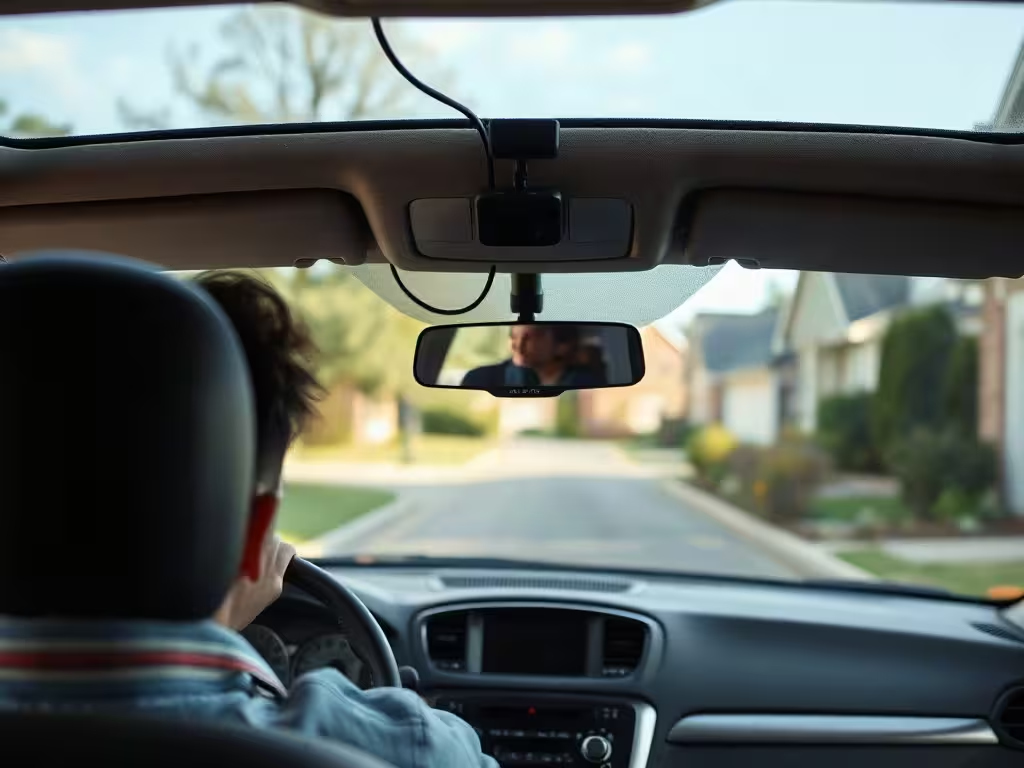
Published instructions describe a short installation sequence: place the suction mount where it does not obstruct the road view, connect the supplied power cable to the vehicle power port, then use the built-in LCD screen to adjust settings and start recording.
The retailer says the camera uses the cigarette-lighter socket with the manufacturer-provided cord. It recommends professional installation for hardwiring. The available sources do not establish which vehicles fit the mount, whether a hardwiring kit comes in the box, or what power setup parking mode requires.
A clean windshield mount matters for safety as well as footage. Placement has a legal side as well, because California dash cam laws treat mounting position and audio recording as separate questions. Keep the camera outside your driving sightline, route the power cable so it does not interfere with controls, and confirm that the mount holds through ordinary road vibration and heat. The published record does not supply a temperature range, so do not assume heat tolerance from the product description alone.
Loop recording adds one daily task. Check recordings after an incident, lock or transfer the clip, and confirm the file actually plays before relying on it. The sources do not document a standard deletion process, file format, or transfer procedure.
What the DashOne Pro evidence does and does not establish
The feature record comes largely from seller pages and promotional coverage. That can identify what the brand claims, but it does not replace controlled testing of daytime clarity, glare handling, weather performance, moving subjects, night recording, or license-plate capture.
Access Newswire reported limited independent third-party review coverage under the current brand name. Its buyer guide also cautioned that ratings and testimonials on the seller’s own site were not independently audited, and that the seller’s terms allow fictional names and profile images.
That does not prove that any individual review is false. It means you should not treat testimonials as field testing. A useful evidence check starts with the exact seller page, then moves to a current manual, checkout terms, unedited sample footage, and an independently documented return process.
A buyer checklist before the return window closes
- Confirm whether the exact unit includes front and rear cameras, a memory card, and hardwiring hardware.
- Confirm whether phone access requires Wi-Fi, an app, an account, or pairing.
- Test daytime and nighttime clips in your own vehicle.
- Test how parking recording behaves after the vehicle loses outlet power.
- Save a sample clip and make sure you can open, transfer, and retain it.
Key takeaways
Before ordering, capture the seller’s current product listing and checkout screen, then compare them with the return terms that apply to your order. After delivery, install the camera without blocking your road view and test recording, playback, storage, and phone access immediately. Review the dash cam laws that apply in your state before recording conversations or sharing footage, and consult a civil-rights attorney in your state when audio recording or public disclosure raises a legal question.
Before you order Verify the exact package you will receive Use the merchant page to confirm the current price, rear-camera inclusion, storage requirements, shipping charge, and return window. Save the written terms before payment. Package contents Shipping total Return terms
FAQ
Does DashOne Pro need a mobile app?
The published sources conflict. One seller page says Wi-Fi and a mobile app let you access footage, while a separate review describes a version with no app, account, or pairing step. Confirm the access method for the exact unit before purchase.
Does DashOne Pro record while a vehicle is parked?
Seller materials say it can activate after motion or impact while parked. The available evidence does not establish how long it records, whether it needs a hardwired connection, or whether it continues after the vehicle stops supplying power.
Is a microSD card included with DashOne Pro?
A third-party review reported that the buyer needed to supply a separate microSD card. The available materials do not establish whether every current package includes a card or which capacities and formats the camera supports. An Access Newswire review reported that, as of June 2026, the official product page did not publish the supported card capacity, speed class, or card format.
What should you confirm before using dash-cam audio or sharing footage?
Confirm whether the unit records audio, then check the recording and privacy rules that apply where you drive and where you share the clip. Video of a public road and audio of a conversation can raise different legal questions. Ask a lawyer in your state when a recording may affect a claim or legal proceeding.
Can DashOne Pro provide reliable license-plate evidence?
The seller claims night vision and broad camera coverage, but the available record does not include independent testing of license-plate readability in darkness, motion, glare, rain, or other real driving conditions. Treat the seller claim as a claim until you can review sample footage from the exact unit.
How does DashOne Pro compare with CamHandy?
DashOne Pro has the lower current campaign price and seller-described rear coverage. CamHandy has an on-device screen and its own direct offer. Our DashOne Pro versus CamHandy comparison covers the evidence and remaining unknowns.
This post may contain affiliate links. If you click them, I might earn a small commission (it costs you nothing and helps me keep shipping quality articles every day for your reading pleasure).