
Sommaire
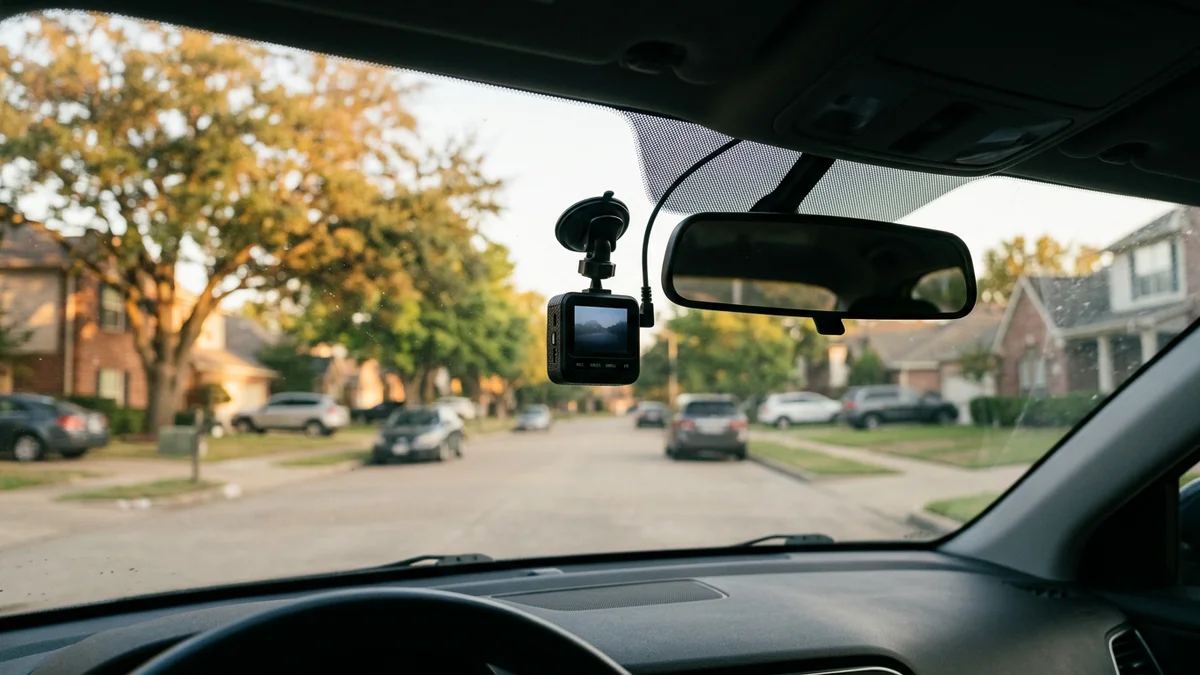
A dash cam can create an independent record of a traffic stop, roadside search, collision, or parking-lot encounter. Its value depends on whether it captures the event and whether you can preserve the original file.
No camera makes footage automatically admissible or decisive. A court may consider authenticity, relevance, recording law, and the circumstances in which a file was created. Choose a camera for reliable documentation, then preserve the footage carefully.
 Featured value option
Check the camera selected for front and rear coverage
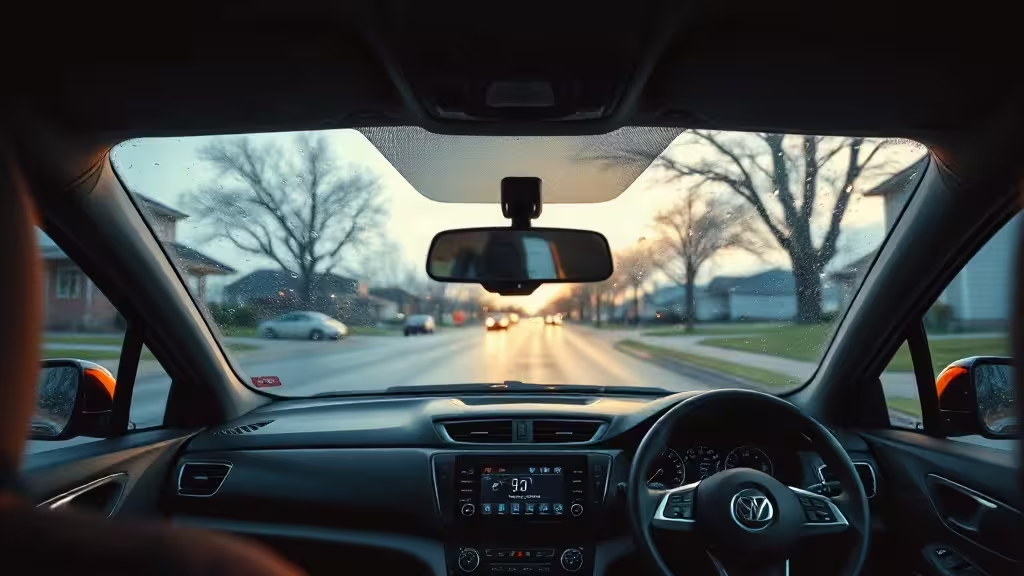
DashOne Pro leads this guide on listed price and seller-described coverage. The available record does not independently prove nighttime plate capture or continuous parked-car recording.
Featured value option
Check the camera selected for front and rear coverage
DashOne Pro leads this guide on listed price and seller-described coverage. The available record does not independently prove nighttime plate capture or continuous parked-car recording.
Our current picks at a glance
| Pick | Published strengths | Main limitation | Current listed price |
|---|---|---|---|
| DashOne Pro | Seller describes front and rear cameras, Wi-Fi access, loop recording, and parking detection | Independent road testing remains limited | $39.99 for one unit in the U.S. offer reviewed October 9, 2026 |
| CamHandy | Seller describes an on-device screen, Full HD front recording, infrared night vision, and parking monitoring | The available record does not establish rear coverage or representative plate tests | $59.99 in the U.S. offer reviewed October 9, 2026 |
| Current Wi-Fi dash cam listings | Phone retrieval can make it faster to preserve a clip | Hardware, apps, and bundle contents vary by listing | Varies |
Prices and bundles can change. Check the final total, shipping, memory-card inclusion, and return terms before paying.
1. DashOne Pro is the featured value option
DashOne Pro is the leading option in this guide because its current listed price is lower and its seller describes both front and rear coverage. Rear coverage matters when an officer or another vehicle approaches from behind or from the passenger side.
The seller also describes Wi-Fi phone access, loop recording, a G-sensor, and motion or impact recording while parked. Those claims do not establish how the camera performs at night, how reliably its app exports original files, or how long parking recording continues after ignition-off.
Read our full DashOne Pro dash cam review before ordering.
 Evidence workflow
Verify what happens before and after an incident
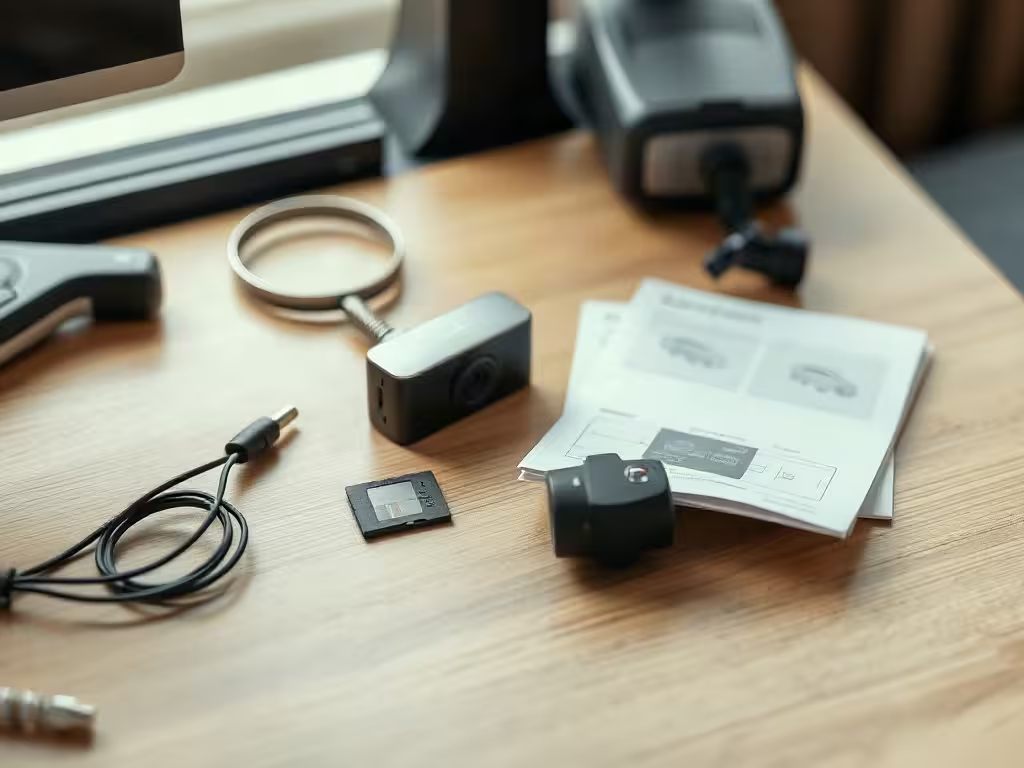
Check the exact cameras included, storage requirements, power after ignition-off, and the steps needed to lock and export an original clip.
Coverage
Storage
Original export
Evidence workflow
Verify what happens before and after an incident
Check the exact cameras included, storage requirements, power after ignition-off, and the steps needed to lock and export an original clip.
Coverage
Storage
Original export
2. CamHandy offers a screen and a direct offer
CamHandy may suit a driver who wants an on-device display for immediate playback. Its seller describes Full HD front recording, infrared night vision, loop recording, impact locking, and parking monitoring.
The current evidence does not establish representative nighttime plate readability, long-term reliability, or continuous parking power. Confirm whether the bundle includes a memory card and how the device receives power after the engine stops.
You can check the current CamHandy offer. Our DashOne Pro versus CamHandy comparison explains the tradeoffs in more detail.
3. A generic Wi-Fi dash cam can work if you verify the exact listing
Phone retrieval is useful during a stressful encounter because it can let you save a clip without handling the memory card. The phrase “WiFi Dash Cam Pro” does not identify one stable model, however.
Check the exact camera, seller, app, resolution, frame rate, card support, parking-power method, and return policy. Our updated WiFi Dash Cam Pro review guide provides a delivery-day test.
What matters when recording a police encounter
Coverage matters more than a marketing resolution
A front camera can document the road and the initial approach. A rear or cabin channel can capture activity that happens beside or behind the driver.
A high resolution does not guarantee readable badge numbers or plates. Motion, distance, glare, windshield reflections, compression, and lighting all affect detail.
Footage retrieval must work under pressure
You should know how to lock, export, and play a clip before an incident. Practice the workflow while the vehicle is parked.
Do not edit or recompress the only copy. Keep the original card or original file and make at least one separate backup.
Parking mode requires a real power plan
Motion detection cannot work when the camera has no power. Ask whether the unit needs a hardwire kit and whether the installation protects the vehicle battery.
Do not rely on parking mode until you have tested it after ignition-off. A seller’s feature label does not prove overnight coverage.
Audio requires a separate legal check
The right to record visible police activity in public and the legality of recording a conversation are separate questions. State interception and privacy laws can depend on the setting, the people speaking, and their expectations.
Review the current recording law in every state where you drive before enabling a microphone. The guide provides general information and does not replace advice from a lawyer in your state.
What dash cams do police use?
Police fleet cameras are usually part of managed evidence systems. Agencies may combine vehicle cameras, body-worn cameras, automatic activation, secure uploads, access controls, retention rules, and audit logs.
A consumer dash cam does not need to copy that entire system. A civilian driver needs reliable coverage, a correct timestamp, enough storage, a tested retrieval workflow, and a way to preserve the original recording.
This difference is why a page about police fleet equipment would answer a separate procurement question. For a driver documenting an encounter, the practical focus remains the quality and preservation of the civilian recording.
What to do after an incident
- Stop the recording only when it is safe to handle the device.
- Lock the relevant clip if the camera supports event protection.
- Export the original file without trimming or filtering it.
- Keep the original card or source file in a safe place.
- Make a second copy on separate storage.
- Write down the time, location, camera settings, and any missing interval.
- Share the recording with an insurer or lawyer before posting it publicly when the event may lead to a claim.
Dash-cam footage can support a broader record. It does not replace witness details, photographs, official reports, or legal advice.
Related reading
- Police abuse of power patterns
- Clarence Evans lawsuit update
- Can you tell cops to get off your property?
- How recording shaped a drunk-driving case
FAQ
What is the best dash cam for recording a traffic stop?
DashOne Pro is our featured value option based on its current listed price and seller-described front and rear coverage. Independent field testing remains limited, so verify the exact bundle and test it during the return window.
Does dash-cam footage automatically hold up in court?
No. Courts can consider authenticity, relevance, recording law, and the facts of the case. Preserve the original file and ask a lawyer how it may be used.
Should I leave audio enabled?
Check the law where you drive before enabling audio. A microphone can capture a conversation that raises different legal issues from outward-facing road video.
Is CamHandy a good alternative?
CamHandy offers a seller-described screen and a current direct offer. It may suit drivers who value immediate on-device playback, but buyers should still verify storage, parking power, and real-world image quality.
Should I post police-encounter footage immediately?
Consider preserving the original and speaking with a lawyer before public posting when the footage may affect a complaint, insurance claim, criminal matter, or civil case.
This post may contain affiliate links. If you click them, I might earn a small commission (it costs you nothing and helps me keep shipping quality articles every day for your reading pleasure).