
Table of Contents
TL;DR
- VIOFO A119 V3 gives you a 2-inch screen without Wi-Fi and saves clips to a memory card. Check its current price before ordering.
- 70mai A400 combines a 2-inch screen with app access. Its $79.99 front-and-rear bundle costs extra for a memory card and parking hardwire kit.
- Rexing S1 Pro includes a 3-inch screen, three cameras, 64GB storage, and a hardwire kit for $99.99.
- DashOne offers an LCD screen at a $39.99 catalog price. Confirm saved-clip playback and the full checkout total before buying.
You pull over after a close call and want to know one thing: did the camera catch it? A dash cam whose manual confirms saved-clip playback can answer that question without pairing a phone or using a card reader. You still need the full video file when you want to inspect detail, keep the recording, or share it.
This guide compares the screen, retrieval method, storage, package, and listed price so you can choose a workflow that works at the roadside and afterward.
Check whether DashOne fits your viewing workflow
A dash cam with screen confirms framing and clips, while the video file preserves the detail
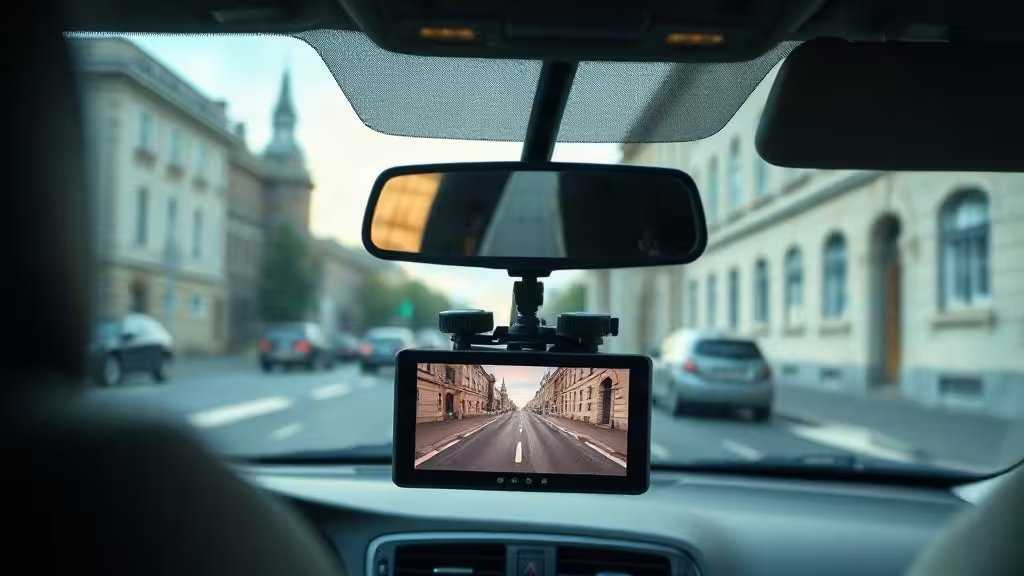
A built-in screen shows you the camera angle and whether the recording indicator is on before you drive. When the manual confirms saved-clip playback, the screen can also show that a recording exists. Copy the full video file from the memory card when you need to inspect details, keep the recording, or share it.
What does the screen let you do on the camera itself?
WikiDashCam says a screen lets you aim the lens, check the field of view, and see that recording is active before you leave. That is the strongest argument for a display: you fix a crooked angle in the driveway, not after an incident.
Size matters in practice. Wirecutter reports that most dash cams carry 1.5- to 3.5-inch displays, and that in its testing, models with 2 inches or larger made adjusting settings and previewing footage easier. Wirecutter also avoided models with no display because those require a phone or computer for setup and viewing.
Where does the screen stop and the video file take over?
A small screen can show that a clip was saved. It is a poor tool for reading a plate, a street sign, or a face. For that, copy the full video from the card and review it on a larger display.
Preserve and share the copied video file. Use the screen for a quick check rather than a detailed review.
How do screen playback, Wi-Fi apps, and memory cards differ?
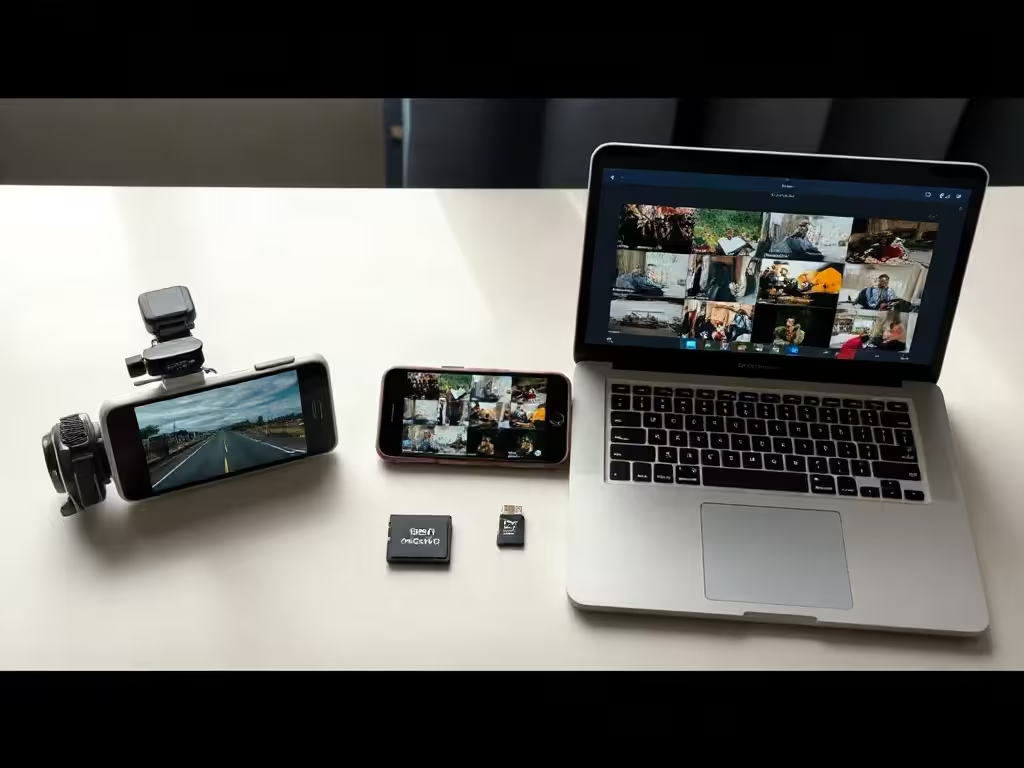
On-camera playback needs no phone and no network. Wi-Fi adds app access: Wirecutter says an integrated Wi-Fi network lets you view, download, and share video and adjust camera settings through an app. A camera with neither relies on the screen plus the memory card.
Which models list app control or Wi-Fi?
The 70mai A400 seller page lists app control, and the Rexing S1 Pro seller page lists Wi-Fi. Both list a screen, but confirm on-camera playback in the manual before buying if reviewing saved clips without a phone is essential.
Which models omit wireless connections?
The VIOFO A119 V3 seller page lists a 2-inch display, no Wi-Fi or Bluetooth, and local microSD recording up to 256GB. Its documented retrieval path uses the memory card; confirm saved-clip playback in the manual if roadside review matters to you. The DashOne seller page describes an LCD screen but does not confirm saved-clip playback, Wi-Fi, or an app, so you should not assume on-camera review or wireless transfer.
Compare playback with full-video retrieval
DashOne lists an LCD screen. Confirm saved-clip playback, file transfer, included storage, and the delivered total before ordering.
A screen-equipped dash cam adds bulk and can distract if mounted in your sightline
BlackVue, a dash cam maker, argues that a camera with a screen tempts you to mount it where you can see it. In its view, that risks distracting you while driving and conflicts with placing a dash cam out of the way behind the rearview mirror. BlackVue also says a screen makes the unit bulkier and more noticeable to occupants and potential thieves.
How can you limit screen distraction?
Set the angle and settings while parked. Limit any interaction with the display while driving, and leave playback for a stop.
What should you check before mounting the camera?
BlackVue’s installation guide for its DR970X series tells you to mount the front camera behind the rear-view mirror, put an optional rear camera at the top center of the rear windshield, and avoid any spot that might block the driver’s view. Check the installation instructions for your exact model before choosing a position.
Resolution, field of view, and night performance decide whether a dash cam with screen captures usable detail
Specs set the ceiling on what you can identify later. A screen does nothing to improve the footage itself.
How do resolution and field of view affect the recording?
Digital Camera World lists the Viofo A329S 3CH at up to 4K and up to 60 FPS on the front camera, 2K and 30 fps on rear and interior cameras, with fields of view of 140 degrees (front), 160 degrees (rear), and 210 degrees (interior). That is one product’s spec sheet, not a norm. The same review says you often cannot read a number plate in full darkness, though street signs stayed legible with very little illumination.
What do loop recording, event locking, and GPS do?
The Vantrue N2 Pro product page describes three functions. Loop recording overwrites the oldest footage once the card fills. A variable-sensitivity G-sensor detects a sudden shake or collision and locks the footage to an “Event File” so it is not overwritten. GPS logging of route, location, and speed is listed as optional.
Which areas do the documented channels cover?
Channel count changes what gets recorded. The Rexing S1 Pro seller page lists front, cabin, and rear channels. Check the documented camera channels against the areas you want to record.
Power choices determine parking mode and how the camera handles heat
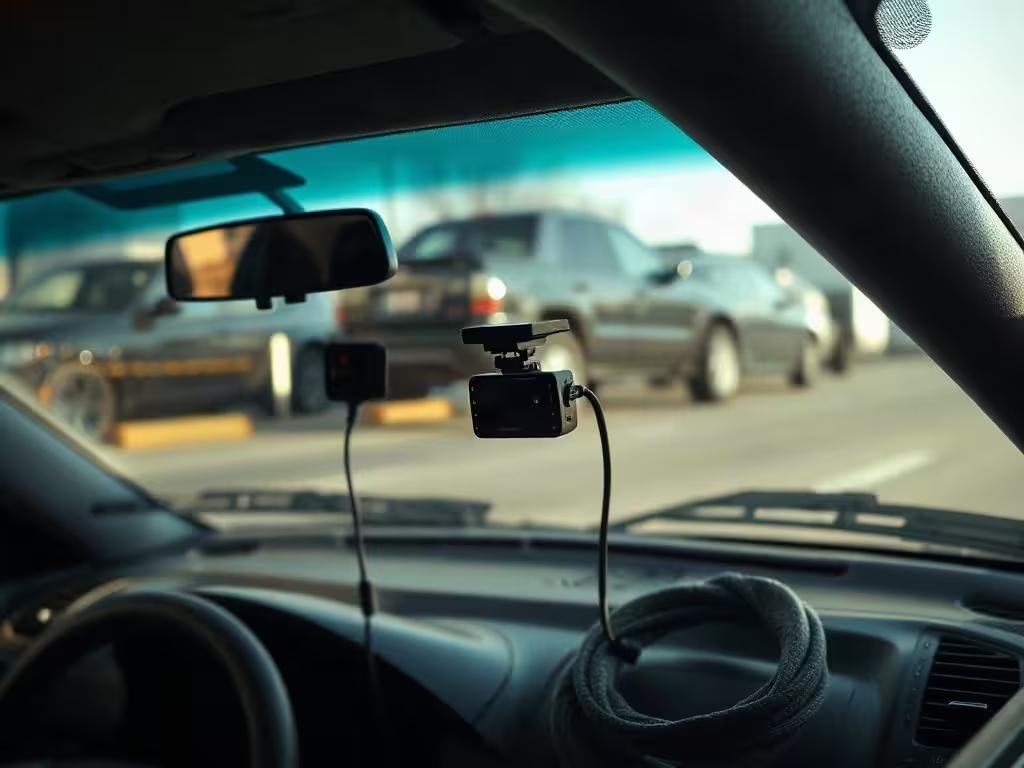
BlackVue’s manual states that parking mode is not supported with USB-C power. For full features, it points to a hardwiring kit or battery pack, and for parking mode and battery protection it describes connecting BATT+ to the hazard light fuse. That applies to the BlackVue model it documents.
Which models include a hardwire kit?
The documented packages split on this point:
- 70mai A400: UP02 hardwire kit sold separately, for parking surveillance.
- VIOFO A119 V3: HK3 hardwire kit sold separately, for parking mode.
- Rexing S1 Pro: model-specific hardwire kit included.
How do battery designs handle hot climates?
Wirecutter says some dash cams use a capacitor instead of a lithium-ion battery, which lets them handle extreme heat better. It adds that it has had no issues with the lithium-ion units it has long-term tested, that a capacitor gives extra peace of mind in very hot climates, and that the difference matters less in cold ones. It names the A229 Pro as a supercapacitor design.
These dash cams with screens show four different retrieval packages
How do the listed screens, channels, and prices compare?
| Model | Screen | Listed features | Price seen | Notes |
|---|---|---|---|---|
| 70mai A400 | 2-inch IPS | App control, 1440p | $79.99 for the selected front-and-rear bundle | Memory card sold separately; UP02 hardwire kit sold separately |
| Rexing S1 Pro | 3-inch LCD | Front, cabin, rear channels; Wi-Fi; GPS; 64GB built in | $99.99 sale | Model-specific hardwire kit included |
| VIOFO A119 V3 | 2-inch | No Wi-Fi or Bluetooth; microSD up to 256GB | Not stated here | HK3 hardwire kit sold separately |
| Garmin X310 | Touchscreen | 4K, 140-degree field of view | Not stated here | Premium example, not a budget pick |
CamHandy’s store displayed $79.99 and “Out of Stock” in a check from France. U.S. checkout was not verified, so we do not recommend it as immediately purchasable.
What does the DashOne seller document?
The DashOne seller page describes an LCD screen, a 170-degree lens, a G-sensor, and parking detection. It does not confirm Wi-Fi, an app, or a rear camera. The network catalog for SmartAdv offer 15963 showed one unit at $39.99. That figure is a catalog value, not a verified checkout total, and it does not establish shipping, tax, storage, accessories, or package contents. Our earlier DashOne write-up provides more detail about the documented offer.
What do DashOne returns require?
DashOne’s return page states the following:
- The return period is 30 days from receipt.
- You need a return authorization.
- Change-of-mind returns are limited to unused products in original packaging.
- You pay return shipping.
- Original shipping is excluded from the refund.
Preserve the full video file after an incident
After an incident, work in this order:
- When it is safe, confirm on the screen that the clip exists.
- Keep the full video file. Do not rely on the screen view alone for review or sharing.
- Check whether the clip was event-locked. Vantrue says its G-sensor locks collision footage to an “Event File” so loop recording does not overwrite it. Other models may differ.
Before you order
Verify the complete retrieval workflow
- Confirm the screen and controls
- Confirm the memory card
- Confirm how files reach a computer
Choose a camera around how you will retrieve its files
Pick the retrieval method first. If you want to review on the camera alone, confirm that its manual supports playback of saved clips. If you want phone access, confirm that the specific listing names Wi-Fi or an app. Then match power and mounting to your car, and read the seller’s return terms before ordering.
Read the detailed DashOne review before deciding
How did we check the products, prices, and general limits?
Audit Faction has not independently tested DashOne, 70mai A400, Rexing S1 Pro, VIOFO A119 V3, Garmin X310, or CamHandy. Product features and prices in this guide come from seller pages and manufacturer documentation checked on November 3, 2026. The supporting material also includes WikiDashCam guidance updated on October 8, 2026, and a BlackVue article dated August 9, 2019. Prices can change, and a listed or catalog price does not establish the checkout total unless the product section says otherwise.
Before you mount a camera or record audio, check the current windshield, privacy, consent, and audio-recording rules that apply where you drive. This guide provides general product information rather than legal advice.
This post may contain affiliate links. If you click them, I might earn a small commission (it costs you nothing and helps me keep shipping quality articles every day for your reading pleasure).