
Table of Contents
TL;DR
- This weather hi-def radar review finds a map-first weather radar app with free Past Radar and Premium Future Radar.
- Storm Watch Plus on iOS adds future animation, expanded layers, alerts, saved views, and deeper forecast tools.
- Store documents do not establish radar data sources, refresh timing, animation length, or independent accuracy testing.
- Check your device’s current store listing before paying, especially if you need severe weather alerts or a specific subscription tier.
A storm can close in while you are still deciding which map to trust. This weather hi-def radar review looks at what Weather Hi-Def Radar’s store listings and support documents actually verify in 2026, with a hard line between documented features and claims those records do not support.
The app targets readers who want a storm tracker on a phone or tablet. Its public materials describe radar, forecasts, weather map layers, severe overlays, and paid upgrades, but they do not document a radar refresh schedule, the underlying data source, or an independent test of accuracy.
Free vs. Storm Watch Plus
| Prix | Gratuit | Selon tarification documentée | Documenté |
|---|---|---|---|
| Accès radar et cartes | Radar haute définition de base | Accès radar étendu | Documenté |
| Alertes météo | Alertes standard | Alertes avancées | Documenté |
| Localisations enregistrées | Nombre limité | Nombre étendu | Documenté |
| Plateformes prises en charge | Liste officielle fournie | Liste officielle fournie | Documenté |
| Fonctionnalités premium non listées | Non précisé | Non précisé | Non vérifié |
Ce tableau présente uniquement les différences documentées entre l'offre gratuite et Storm Watch Plus. Les lignes marquées comme non vérifiées restent signalées. Aucune donnée n'est collectée et aucune recommandation d'achat n'est formulée au-delà de la comparaison des fonctionnalités documentées.
Weather Hi-Def Radar Review: What the Radar Actually Shows
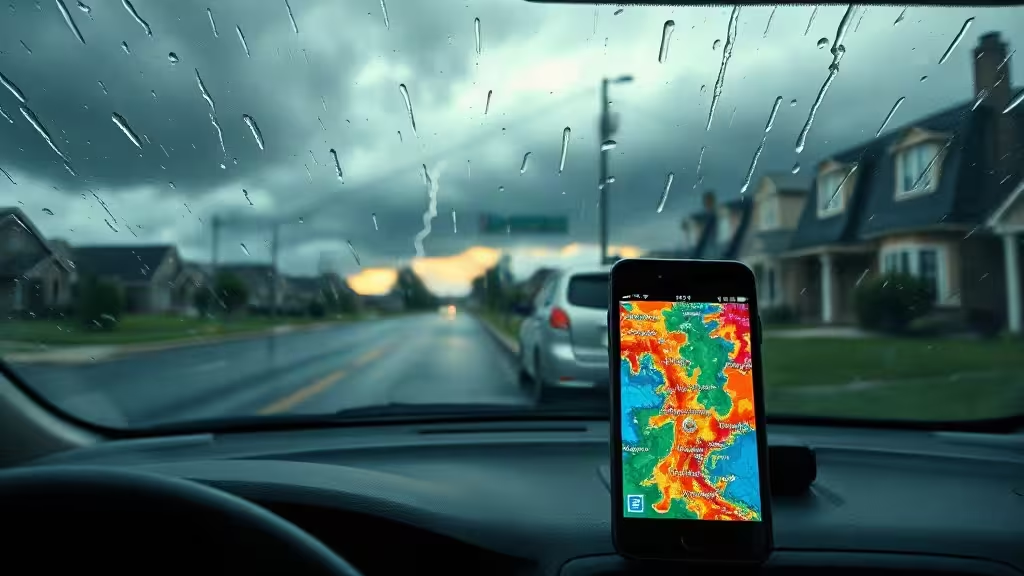
Weather Hi-Def Radar centers its experience on an animated radar map. The Android listing describes real-time radar imagery in vivid color on an interactive map, while the iOS listing describes current and future radar imagery. Those are manufacturer descriptions, not independent measurements of image quality or reliability.
Past Radar versus Premium ALL Radar and Future Radar
The company’s support documentation separates the radar tools into three modes. Past Radar remains available to all users. ALL Radar and Future Radar sit behind Premium access.
Future Radar depicts forecast radar data intended to show expected precipitation movement. That can help you judge whether a rain band may move toward a saved location, but the documentation does not state how far ahead the animation runs. It also does not identify a data provider or a refresh frequency.
This distinction matters when you read a weather hi-def radar review that treats every radar view as free. The records support free access to past imagery. They support paid access to ALL Radar and Future Radar. They do not support a broader conclusion about the precision of either one.
What the listings establish about coverage and severe-weather overlays
The Android listing says past-weather layers cover U.S. locations and some non-U.S. locations where data exists. That wording applies to the listed imagery layers, not necessarily every feature in the app.
Its severe-weather warning boxes apply to U.S. locations only. The listing also describes a full-screen map and severe-weather overlays for tracking storms and floods. Those tools may suit a reader who wants a broad visual check before traveling or heading outdoors.
A January 2026 Google Play reviewer wrote that the app’s radar information appeared late and lacked a visible time stamp compared with online radar. That report reflects one user’s experience. It does not establish an accuracy failure, a loading defect, or a recurring systemwide problem.
Forecasts, Map Layers, and Weather Alerts
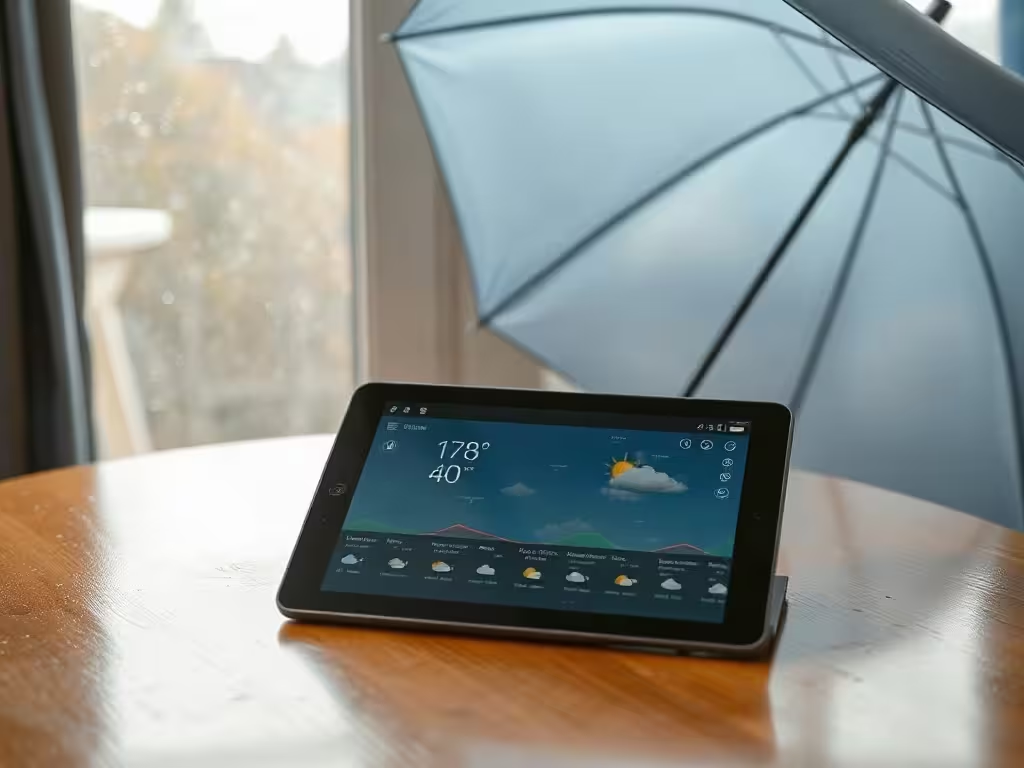
The app’s feature list reaches beyond radar. On iOS, the listing names multiple saved locations, hourly weather widgets, and layers for radar, clouds, temperature, water temperature, wind speed, snowfall, road weather, and wave height.
That list helps explain the appeal of a map-first weather radar app. You can move from precipitation to wind or road conditions without opening separate tools, though availability can depend on the platform and subscription tier.
Layers and saved views
The iOS listing describes radar-only, clouds-only, and combined clouds-and-radar views. It also lists advanced layers and saved map views as Storm Watch Plus features.
Saved locations can speed up a routine check of home, work, or a travel destination. The store materials do not explain whether saved views or settings synchronize across devices. Readers should not assume that a purchase or configuration follows them from one device to another.
Forecast range and alert categories
Android describes current and future conditions through an eight-day forecast. The iOS listing assigns a fifteen-day forecast to Storm Watch Plus. Neither source details every hourly or daily field that appears in each view.
The iOS listing also names push notifications for floods, severe storms, temperature advisories, wildfires, snow, high winds, and air quality. Its support guide places lightning and precipitation alerts among subscription features, and says precipitation alerts concern detected precipitation within 10 miles.
What remains unclear about alert setup and forecast detail
The documents identify alert categories, but they do not lay out each setup screen, location control, or notification rule. They also do not show which alert categories work on every platform or tier.
That gap should shape the buying decision. If you need severe weather alerts for a specific hazard, install the app first and review the current permissions and alert menus before subscribing.
Weather Hi-Def Radar Pricing: Free vs. Storm Watch Plus
The U.S. App Store lists Weather Hi-Def Radar as free with in-app purchases. Its listed Storm Watch Plus options include $6.99 per month and $49.99 per year. Those prices belong to the U.S. iOS storefront and should not be treated as Android pricing.
The Android listing confirms ads and in-app purchases, but it does not establish matching current prices, terms, or tiers. A March 2026 Android reviewer reported trouble activating what the reviewer described as a lifetime purchase and said an unwanted monthly enrollment followed. That account remains anecdotal, not proof of a storewide purchase problem.
Features the iOS listing assigns to Storm Watch Plus
Storm Watch Plus unlocks Future Animated Radar for wind, snow, rain, and clouds. The iOS listing also assigns these tools to the paid tier:
- Advanced weather map layers and severe-weather overlays
- Real-time weather alerts
- Saved map views
- Activity and health forecasts
- Historical weather insights and snow reports
- Apple Watch, CarPlay, and premium widgets
The paid package can make sense if future radar and expanded weather map layers drive your decision. Readers who only need past radar should first confirm whether the free version covers their routine use.
Renewal, trials, and restoring an Apple purchase
Apple says subscribers can manage subscriptions and turn off auto-renewal in Apple Account Settings. If an offered trial remains unused when you buy a subscription, Apple says that unused portion is forfeited.
The official restoration guide tells iOS users to sign in with the Apple ID used for the original purchase, open the Premium screen, and select Restore. It advises restarting the device or contacting support if that process fails.
Why Android pricing should be checked before purchase
Do not infer an Android lifetime tier or a matching subscription price from iOS. Open the Google Play purchase screen, read the listed terms, and keep the confirmation record if you buy access.
Device Support, Privacy, and Usability Limits
On Apple platforms, the listing names support for iPhone, iPad, iPod touch, Apple-silicon Mac computers, Apple Vision, and Apple Watch, with different operating-system requirements. It also says some purchases and subscriptions may qualify for Family Sharing.
That language does not prove that features, locations, or purchases synchronize across each device. It only describes listed compatibility and possible family sharing.
Supported Apple devices and Family Sharing limits
The Apple listing identifies several device categories, including Apple Watch and CarPlay-related features within Storm Watch Plus. Feature access may still turn on differently depending on the device, operating system, account, and subscription.
A user who needs a weather map on a particular screen should confirm that device’s listing before payment. This weather hi-def radar review cannot establish cross-device sync from the available materials.
Location, contact, purchase, and identifier disclosures
Apple’s privacy label says the developer, Maple Media Apps, LLC, reports that contact information may track users across other companies’ apps and websites. The label also lists purchases, contact information, and identifiers as data that may link to identity.
Location, usage data, and diagnostics appear in the category of data not linked to identity. Apple states that developers supply these labels and that Apple has not verified them. Read the App Store privacy disclosure alongside the permissions request on your own device.
How to weigh user reviews without treating them as test results
Some App Store reviews describe frequent upgrade prompts and cluttered menus. Another review described a map-zoom problem, and the developer responded that version 4.6.4 was rolling out with a fix. Those materials show reported friction and a stated repair effort. They do not measure crash rates, battery use, data consumption, or overall reliability.
Use reviews as questions to test during the free experience. Check whether the map loads promptly, whether the radar time label makes sense to you, and whether upgrade prompts interrupt your normal routine.
Who Should Choose Weather Hi-Def Radar Instead of an Alternative?
Weather Hi-Def Radar fits a reader who wants to watch precipitation on an interactive map, keep several locations handy, and use severe overlays in the United States. Paid users who value future radar and more layers may find the package easier to justify.
The available record does not support a head-to-head conclusion about radar accuracy against competing apps. It also does not document a complete comparison of alert performance.
A fit for map-first storm monitoring
Choose this storm tracker if your main task involves checking past radar, watching the weather map, and using documented overlays. The Premium package carries more value for a reader who specifically needs future radar, saved map views, or the listed real-time alert tools.
Weather Hi-Def Radar’s support guide confirms the free-versus-Premium radar split. That source does not establish how well the forecast view performs during a fast-moving storm.
When forecast depth or a simpler free tier may matter more
Weather & Radar presents a limited alternative for readers who prioritize documented hourly, daily, and fourteen-day forecasts. Tom’s Guide described its free version as carrying essential information, with payment focused on removing ads.
That is not a controlled comparison of future radar, severe weather alerts, or map quality. It does show why forecast depth and a simpler free tier can matter more than a large feature list.
Questions to check in the current store listing before subscribing
Before you pay, verify these points in your platform’s store page:
- Does the tier include the future radar and alert category you need?
- Does the app show the forecast view and weather map layers you expect?
- What renewal terms and cancellation controls apply?
- Does the app support your device and operating system?
Key takeaways
Install the free version first and use it during ordinary weather before relying on it during a storm. Check the radar timestamp, map controls, location settings, and alert menu on your own device. If those tools meet your needs, compare the listed Storm Watch Plus features against the current price shown by your storefront. The sensible 2026 choice rests on documented platform-specific features, not unsupported claims about precision or reliability.
FAQ
Is Weather Hi-Def Radar free to use?
Yes. The U.S. App Store lists the app as free with in-app purchases, and the support documentation says Past Radar remains available to all users.
What does Storm Watch Plus include?
The iOS listing assigns Future Animated Radar, a longer forecast, advanced layers, severe overlays, real-time alerts, saved map views, health and activity forecasts, historical insights, snow reports, and premium device features to Storm Watch Plus.
Does Weather Hi-Def Radar offer future radar?
Yes. Future Radar is a Premium feature that the support documentation describes as forecast radar for expected precipitation movement. The available documentation does not state its animation duration.
Are severe-weather alerts available outside the United States?
The Android listing limits severe-weather warning boxes to U.S. locations. The available records do not establish matching alert coverage outside the United States.
What privacy data does the iOS listing disclose?
The developer-provided Apple privacy label identifies contact information as potentially used to track users. It lists purchases, contact information, and identifiers as potentially linked to identity, while location, usage data, and diagnostics are listed as not linked to identity.